
3 Easy Ways to Check if Your Article Has Been Indexed by Google
 Rifqi Arafat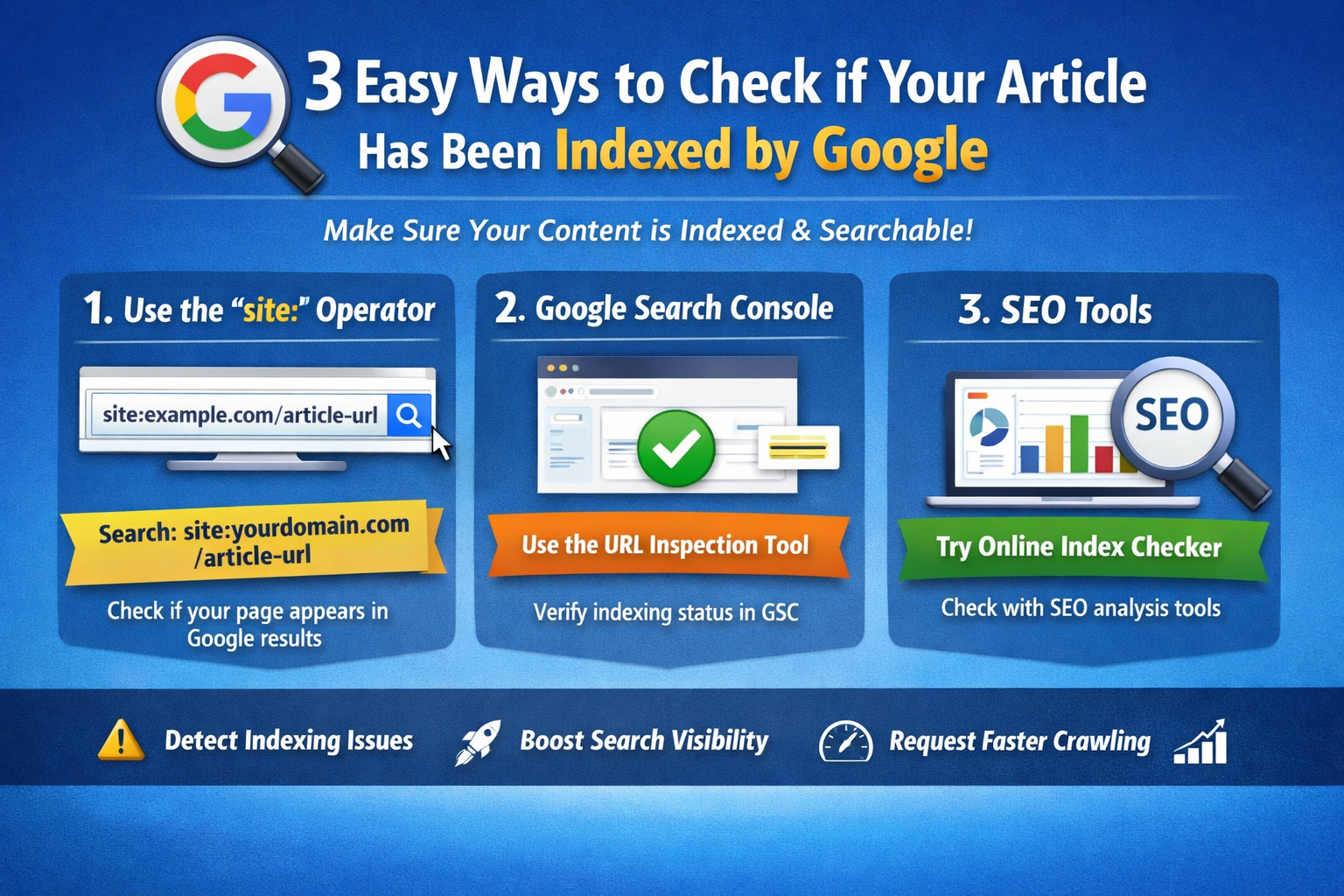
Publishing an article on your blog or website is only the first step in reaching readers through search engines. To appear in Google search results, your content must first be indexed by Google. If a page is not indexed, it will not show up in search results, which means it cannot generate organic traffic.
For bloggers, content creators, and website owners, knowing how to check whether a page has been indexed is an important part of basic SEO management. Below are three simple and effective ways to check if your article has already been indexed by Google.
1. Use the site: Operator on Google
One of the quickest ways to check indexing status is by using the site: search operator in Google.
Steps:
- Open Google Search.
- Type the following command into the search bar:
site:yourdomain.com/article-url
Example:
site:example.com/how-to-start-a-blog
- Press Enter.
If your article appears in the search results, it means Google has successfully indexed the page. If no results appear, the page may not have been indexed yet.
This method is simple, fast, and does not require any additional tools.
2. Check Indexing Status Using Google Search Console
Google Search Console (GSC) is the most reliable tool for monitoring how your website appears in Google Search. It allows you to check whether a specific URL has been indexed and also helps identify indexing issues.
How to Check:
- Log in to Google Search Console.
- Select your website property.
- Click on the URL Inspection tool.
- Paste the article URL into the search bar.
- Press Enter.
If the result shows “URL is on Google,” the article has already been indexed. If it shows “URL is not on Google,” you can click Request Indexing to ask Google to crawl the page.
Using Google Search Console regularly helps ensure that your content is properly indexed and optimized for search performance.
3. Use Online SEO Index Checker Tools
Another way to verify whether your page has been indexed is by using online SEO tools. Many SEO platforms provide indexing check features that allow you to quickly analyze a URL.
These tools often provide additional SEO insights, such as:
- Page indexing status
- Domain authority or domain rating
- Backlink data
- Technical SEO information
Some SEO tools can also scan multiple URLs at once, which is helpful for website owners managing many articles.
Why Checking Indexing Status Is Important
Ensuring that your content is indexed by Google is essential for improving search visibility and organic traffic. If your pages are not indexed, they will not appear in search results regardless of how good the content is.
By checking indexing status regularly, you can:
- Detect indexing problems early
- Submit new content to Google faster
- Improve your website’s SEO performance
- Increase your chances of ranking in search results
Conclusion
Checking whether your article has been indexed is a basic but crucial SEO step for every website owner. Fortunately, there are several simple methods you can use.
The three most effective ways to check Google indexing are:
- Using the
site:operator in Google Search - Checking through Google Search Console
- Using online SEO indexing tools
By monitoring your indexing status regularly, you can ensure that your articles are visible in search engines and have the best chance of attracting organic visitors.